Market note
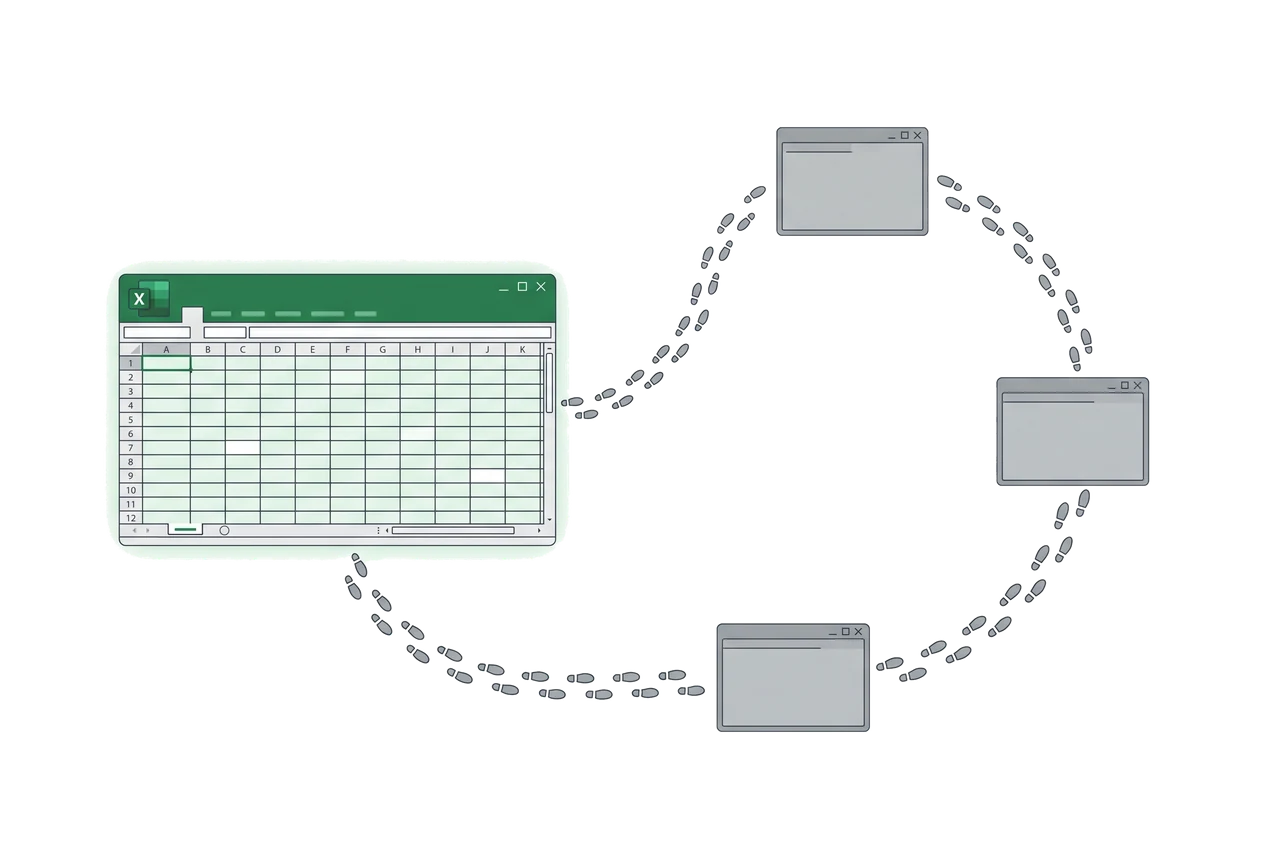
Kinaxis, o9, SAP IBP, Anaplan: why planners still end up in Excel
Market note on supply chain planning software
Published · By Junil Kim, CEO & Co-founder
The best planning tools in the market have quietly reached the same conclusion their customers reached years ago.
Ask a supply chain planner which tool they plan in and the honest answer is rarely the one the company paid for. In a survey of 164 S&OP practitioners across 54 countries and 23 industries, published in November 2025, 81.1% said they run S&OP in Excel or Google Sheets. ERP-based planning accounted for 6.6%. Dedicated planning platforms such as Kinaxis, o9, and Anaplan accounted for 5.1%.
One respondent, an S&OP lead at a pharmaceutical company, summarized the category in a sentence: "Even with SAP, we always end up back in Excel. It's the only thing that really works."
This post is about why that keeps happening, what each of the leading tools gets right, and what their own product decisions reveal about where planning software is headed.
Where does S&OP actually run?
The number is not a verdict on the tools. It is a description of the gap between where a plan is stored and where a planner thinks. Each of the four platforms below has closed part of that gap, and each has a documented place where planners walk back out.
Kinaxis: the grid that looks like Excel
Kinaxis RapidResponse, now Maestro, gives planners a worksheet: an editable grid over one in-memory model, alerts and scorecards on top, and what-if scenarios that recompute in seconds.
Wins
- What-if scenarios: a private copy of the plan, recomputed in seconds, shareable and promotable.
- It feels familiar. A reviewer’s warmest praise on Software Advice is that it “looks exactly like working in excel sheet.”
Where planners leave
- “It will not give you the functionalities that Excel can, so do not use Excel commands on it.”
- “It’s not as rapid as it claims. It’s pretty heavy and it takes too long to update.”
- A learning curve of weeks and an interface “with many buttons.”
The resemblance recruits the planner. The missing formula ownership then sends them back to the real thing.
o9: the platform that eliminates spreadsheets, and ships an Excel plugin
o9’s Digital Brain is pitched as a unified knowledge graph and digital twin of the supply chain, delivered as modular planning blocks over one model.
Wins
- One model across demand, supply, and finance instead of a handoff between them.
- Connected Excel: the vendor whose marketing promises to eliminate legacy spreadsheets built a live Excel plugin for its planners.
Where planners leave
- “Generally not positioned for small businesses,” per ERP Research; aimed at large global enterprises.
- “Multi-month engagements delivered with system integrators,” with data modelling most of the effort.
- Implementation cost that “frequently exceeds the first-year subscription.”
- Lokad: “not transparent enough to let an outsider understand the quantitative core with confidence.”
The planners asked for the spreadsheet back, and o9 gave it to them.
SAP IBP: Excel is the primary interface
SAP went furthest. Its flagship cloud planning suite, Integrated Business Planning, hands planners an Excel add-in as the main working surface.
Wins
- In SAP’s own walkthrough, the add-in is “the primary way for participants to access, analyze, modify, and simulate plans.”
- A clear grammar: Refresh pulls server truth, Simulate recalculates without committing, Save writes back.
Where planners leave
- The add-in slows Excel’s open, work, and close, with freezes and crashes documented in SAP’s own knowledge base.
- Best practice caps planning views at a few thousand rows per key figure.
The concept is validated. The client is what planners curse.
Anaplan: selling the flexibility of Excel back to Excel users
Anaplan’s answer is XL Reporting, an add-in that connects Excel to live Anaplan models. The FP&A category around it competes on the same promise: keep the spreadsheet experience, put governance underneath.
Wins
- In Anaplan’s words, it “brings the flexibility of Excel together with the scale, governance, and reliability of the Anaplan platform.”
- A live connection to Anaplan models from inside the workbook.
Where planners leave
- “You need to be an expert in the field,” per reviewers on Software Advice.
- “High implementation investments.”
- Exports to Excel that “send over way too much info.”
Four leaders, four Excel surfaces. The market has already voted.
Why do planners go back to Excel?
The vendors tend to describe reversion as an adoption or training problem. Practitioners who have watched it happen describe something else.
Clarkston Consulting, on why planning technology becomes shelfware: "The system reflects how planning is supposed to work, but not how it works today." And when outputs do not feel reliable, planners "will return to the tools they know best," building parallel spreadsheets to validate or replace what the system produces.
Toolio, from the vendor side: "When the new system creates friction and the old spreadsheet doesn't, the spreadsheet wins. Every time." The planning team "is just trying to stay alive" and cannot fund a learning curve mid-quarter. The outcome: "You're paying for a system. You're getting a glorified export tool."
Our read, from recording planners at work: reversion is a latency, trust, and ownership failure. Excel gives feedback in under a second. Its formulas belong to the planner, who can open any cell and see why the number is what it is. Its layout changes without a ticket. A planning portal offers none of the three, so the portal becomes the system everyone exports from and nobody plans in.
What the winners already concede
Put the four product decisions side by side.
- Kinaxis: a grid that resembles Excel. Planners leave over missing Excel semantics and speed.
- o9: a Connected Excel plugin. Planners leave over months of modelling before any value.
- SAP IBP: the Excel add-in is the primary interface. Planners leave over a slow, crash-prone client and row caps.
- Anaplan: an XL Reporting add-in. Planners leave over expert-only modelling and heavy implementation.
The question is no longer whether planning belongs in the spreadsheet. The leaders have answered it by shipping Excel add-ins. The open question is what sits behind the grid.
Two things, in our experience, and none of the four ships both at a weight a mid-market company can carry.
The first is a data model that comes from the work as it is actually done. o9 and SAP build the model over months of configuration workshops. The planner's real conversions, aliases, and lead-time assumptions are in the workbook the whole time, and the model is built by asking rather than by looking. We build it the other way: record the loop, then register what the spreadsheet was carrying.
The second is an agent that can act on the sheet behind an approval gate. Reading email from a 3PL and updating a bound cell, drafting a purchase order in the supplier's format, alerting the buyer the day a date slips. Every write proposed, reviewed by the owner, promoted to automatic only after it has been right for long enough.
What we built on the 81.1%
The 81.1% is not a problem to fix. It is the specification. Planners stay in Excel because it gives them the three things no portal has: feedback in under a second, formulas they own, and a layout they can change without a ticket. The tools that fought that lost their users. The tools that accepted it are the ones still on the shortlist.
We accepted it before writing a line of code, and it decided the product. Aperture is an AI-native operations tool, and our first deployments are in consumer goods planning. We start by recording how the planning, purchasing, and inventory work actually runs, turn that into a data model the company owns, bind it to the planner's real files, and ship an Excel add-in on top. The add-in refreshes the roll-up on a schedule, reads the 3PL's stock file and the supplier's email reply into the bound cells, and alerts the buyer the day a date slips, in the sheet. Every write is a proposed change the owner accepts. The sheet keeps its formulas and the planner keeps their keystrokes.
We have shipped this to a consumer goods company whose daily inventory picture depended on one analyst's workbook. The workbook is still there and the ERP is untouched. What changed is that every number now has a source, and the hours that went into building the picture go into reading it. We wrote up why we chose that shape over another system. If your planning lives in a workbook the vendors keep trying to replace, we can show you what it would take to keep the workbook and lose the manual work. Talk to the founders.